How to Change Your WiFi Password Through 10.0.0.1 Safely
Learn how to change your WiFi password through 10.0.0.1 in four simple steps, choose the right security mode and reconnect all your devices safely.
10.0.0.1✗ Wrong: 10.0.0.0.1Connect to your router WiFi before opening the admin pageStep-by-step 10.0.0.1 router guides: change your WiFi password, recover a forgotten admin password and fix a login page that is not opening.
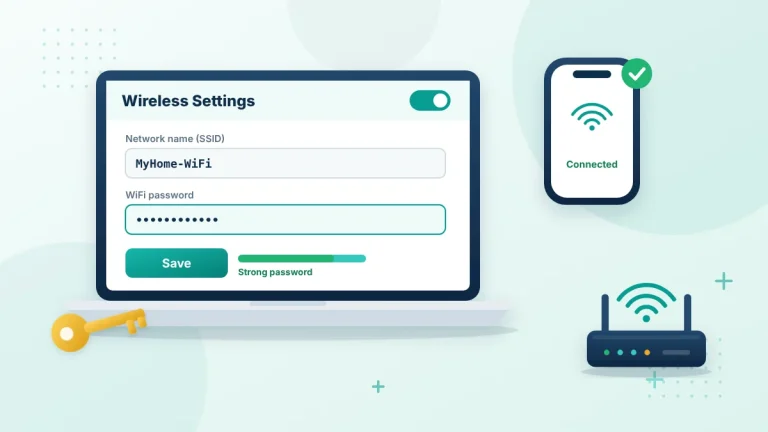
Learn how to change your WiFi password through 10.0.0.1 in four simple steps, choose the right security mode and reconnect all your devices safely.
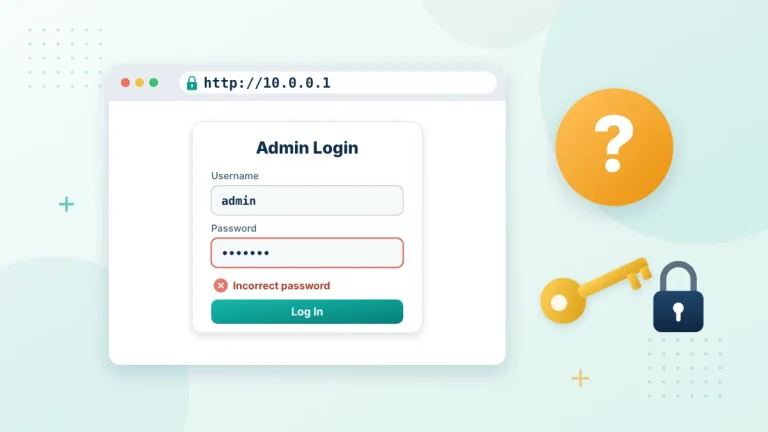
Forgot your 10.0.0.1 admin password? Try these safe recovery steps first, from saved browser passwords to the router label, before you consider a factory reset.
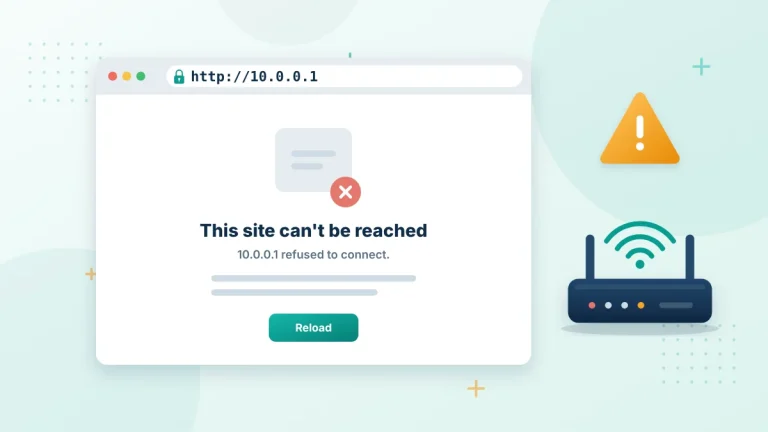
Is the 10.0.0.1 login page not opening? Fix connection refused and timeout errors with quick checks for your WiFi, the address bar, VPNs and the router.