About 10001ips.com
About Us – Router Login and IP Address Help
We publish clear, safe and easy guides about router login pages, private IP addresses and everyday WiFi settings.
- Independent website
- Beginner friendly
- Safety first
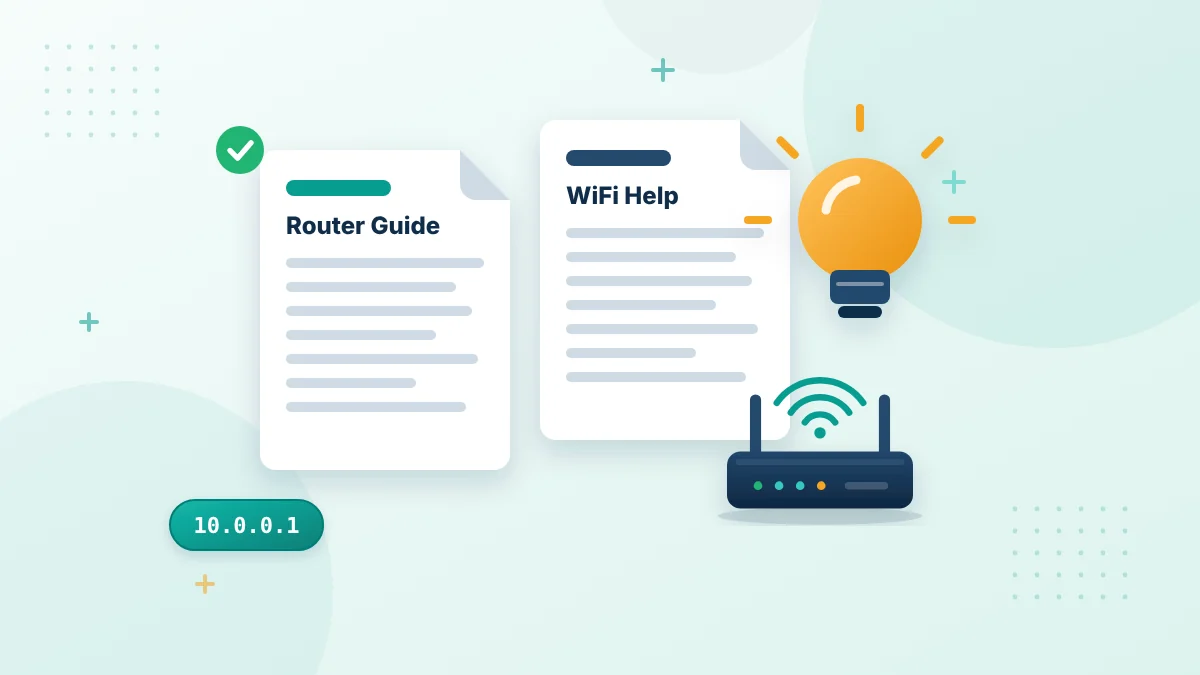
Our website provides simple information about router login pages, private IP addresses and basic WiFi settings. We mainly help people who are trying to understand addresses such as 10.0.0.1 and the incorrectly entered 10.0.0.0.1. Router settings can feel confusing, especially when the login page does not open or the instructions use unfamiliar terms. Our purpose is to explain those topics in clear English so that readers can identify the problem before changing anything. This website is an independent informational resource. It is not a router manufacturer, internet service provider or owner of the 10.0.0.1 address.
About Us at a Glance
- Website: 10001ips.com
- Topics: router login pages, private IP addresses and WiFi settings
- Main guides: 10.0.0.1 admin login, default passwords, router IP addresses and Piso WiFi Pause Time
- Type: independent information website
- Contact: [email protected]
What We Cover
Our content focuses on common questions people have while using a home, office or hotspot network. Each page is written around a specific task or problem. Topics may include:
- How to open a router login page
- How to find the correct Default Gateway
- The difference between 10.0.0.1 and 10.0.0.0.1
- How to locate router admin credentials
- How to change a WiFi name or password
- Why a local login page is not opening
- How to understand connection-refused and timeout errors
- How to check connected devices
- Basic information about Piso WiFi portals
- When restarting may help
- Why a factory reset should be the last option
The menus and features available inside a router panel depend on the device. For this reason, our instructions are general unless a page clearly discusses a particular model or service.
Why We Created This Website
Many people type a router IP into a browser and expect it to work like a normal website. When nothing opens, they may not know whether the problem is the address, WiFi connection, browser or router. A small typing error can make the situation even more confusing. For example, 10.0.0.1 is a correctly formatted IPv4 address, while 10.0.0.0.1 contains an additional number group.
Our website brings these basic explanations together in one place. We aim to help readers understand what they are doing, what they should check and which actions may carry a risk. We also try to separate connection problems from password problems. If no login form appears, repeatedly guessing an admin password will not solve the issue. If the form opens but rejects the password, restarting the browser may not recover the credentials.
Our Approach to Router Help
We prefer practical steps over complicated technical language. Readers should be able to follow the main checks from a phone, tablet or computer without needing advanced networking experience. Our articles normally begin with the simplest checks. These may include confirming the WiFi network, entering the address correctly and finding the actual gateway assigned to the device.
More disruptive actions come later. We do not encourage readers to factory-reset a router as the first response because a reset can remove useful settings. When instructions vary between router models, we make that clear. A menu called Wireless on one device may be called WiFi, WLAN or Network on another.
Information We Do Not Provide
We do not provide private login credentials for individual networks. We cannot know a router’s changed admin password, WiFi key or internet-provider configuration. We also do not help anyone gain unauthorized access to another person’s router, account or network. Readers should use the information only on equipment they own or are permitted to manage.
This website does not control router login pages. Entering 10.0.0.1 sends a request to a compatible device on the reader’s local network. The result depends on that network, not on our website. We cannot change a WiFi password, reset a router, activate a hotspot session or recover an administrator account for a visitor. Those actions must be completed through the relevant equipment or service provider.
Independent Information
We are not affiliated with or endorsed by router manufacturers, internet providers, browser developers or Piso WiFi operators unless a relationship is clearly stated. Brand names, product names and trademarks mentioned in our content belong to their respective owners. They are used only to identify products, interfaces or services that readers may encounter. Any external link is provided for reference or convenience. A link does not automatically mean that we control, approve or guarantee the content on another website.
Readers should confirm model-specific instructions through the router manufacturer, internet provider or official product manual before making a major configuration change.
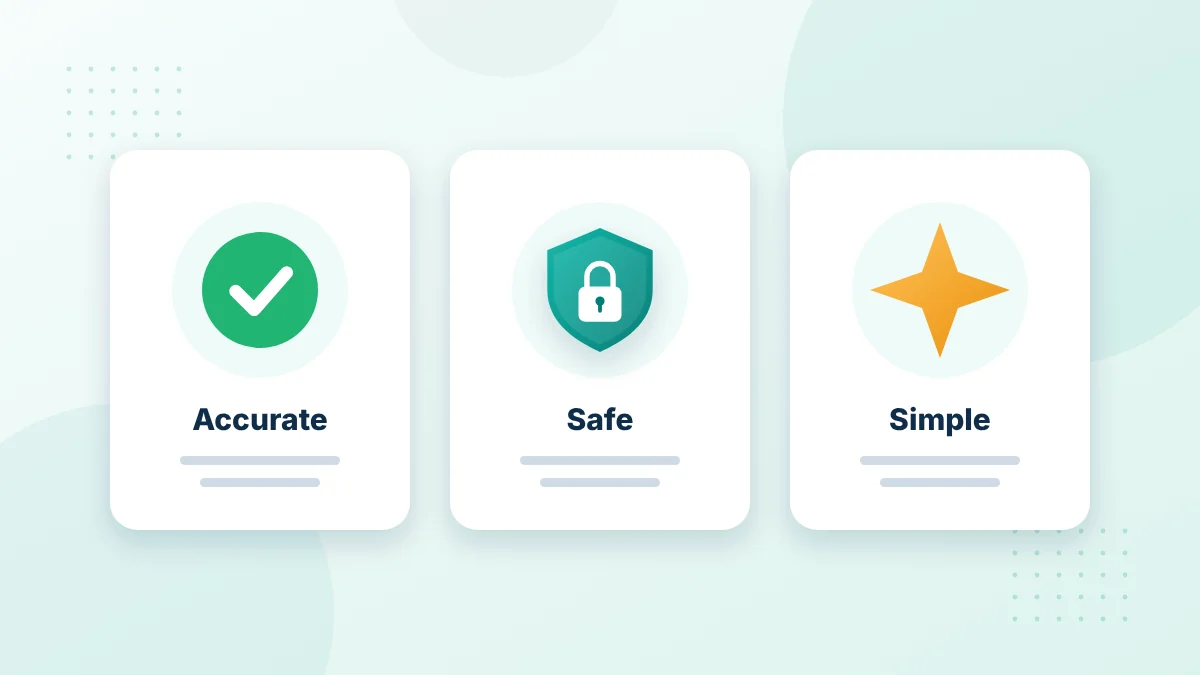
Our approach
Accurate, Safe and Simple
Every guide is written to help you understand your own network without risky shortcuts.
- Plain language for beginners
- We never ask for your passwords
- Corrections are always welcome
Accuracy and Updates
Router interfaces can change after a firmware update. Internet providers may also replace equipment, alter their applications or move certain controls away from a browser-based admin panel. We aim to keep our content understandable and useful. However, a general article cannot display every possible router model, software version or provider setup.
Readers should compare our instructions with the labels and menus shown on their own equipment. The correct Default Gateway, admin credentials and available controls always depend on the local device.
If information appears outdated or unclear, readers can report it through our Contact Us page. Helpful details include the page title and the section that may need attention. Private passwords, account numbers and personal network information should never be included.
Safety Comes First
Router settings affect every device connected to the network. An incorrect change can disconnect phones, computers, cameras, printers and other equipment.
We encourage readers to record important settings before editing them. This is especially useful when changing the WiFi name, wireless password, DHCP options or another network value.
The factory-reset button should be handled carefully. Resetting may remove custom settings and return the router to its original state. Provider-supplied equipment may require additional setup afterward. When a reader is unsure, contacting the manufacturer, installer, network administrator or internet provider is often the safer choice.
Privacy and Responsible Use
Readers should keep admin usernames, passwords, WiFi keys and device information private. These details should not be posted in comments, screenshots or public messages.
Our content is meant for lawful and responsible use. Accessing or changing a network without permission may violate the owner’s privacy, local rules or applicable law.
For information about how website data may be handled, readers should review our Privacy Policy. The Terms and Conditions and Disclaimer explain the conditions and limits that apply when using our content.
Who Our Content Is For
Our pages are written for everyday internet users who need straightforward help. This includes homeowners, tenants, students, office users and hotspot customers who are permitted to use or manage the connected network.
You do not need to be a networking expert to understand the basic articles. We explain terms when they are important and avoid adding unnecessary detail to simple tasks. Experienced users may also find the troubleshooting checklists useful when they need a quick reminder of the safest order to follow.
Contact Us
We welcome reasonable feedback about incorrect information, unclear wording or a missing router topic. Please use the Contact Us page to send your message. Include enough information for us to identify the relevant article, but do not send:
- Router admin passwords
- WiFi passwords
- Account login details
- Payment information
- Personal identification documents
- Private network records
We cannot sign in to a router or contact an internet provider on someone else’s behalf. Account-specific and equipment-specific problems should be directed to the relevant provider or manufacturer.
Our Goal
Our goal is to make router and private-IP information easier to understand. We want readers to leave with a clear next step instead of making random changes that could create a bigger problem. Whether someone is checking 10.0.0.1, correcting 10.0.0.0.1 or trying to find a Default Gateway, the basic approach remains the same: confirm the network, verify the address and change only the settings that are understood.
Our Main Router Guides
10.0.0.1 Admin Login and Piso WiFi Pause Time
Our main 10.0.0.1 admin login guide explains how to open the admin page, avoid the 10.0.0.0.1 typing mistake and use Pause Time on supported Piso WiFi hotspots.
10.0.0.1 Default Password and Username
The default password guide shows where to find the factory login details, how to change them and what to do when they no longer work.
10.0.0.1 Login on Phone and Computer
The router login guide walks you through signing in on a computer or phone and lists fixes for common login errors.
Router IP Address
Our router IP address guide explains how to find your default gateway on Windows, Android, iPhone, Mac, Linux and Chromebook.
How We Write Our Guides
- We explain each step in plain language.
- We point out common mistakes, such as typing 10.0.0.0.1.
- We remind readers to save their settings before changing them.
- We never ask readers to send passwords or private network details.
- We review pages when readers report errors.
Our aim is to help you understand your own network so you can make safe, informed changes.
Our Editorial Principles
- Accuracy: we explain what usually happens and say when results can differ by model.
- Safety: we warn before steps that can disconnect a network or remove settings.
- Clarity: we use short steps, simple words and real menu names.
- Independence: no router brand or provider decides what we write.
- Respect: we never ask for passwords, WiFi keys or private network details.
These principles guide every page on 10001ips.com, from the 10.0.0.1 phone and computer login guide to our policy pages.
About Us FAQs
Is 10001ips.com connected to a router company?
No. We are an independent website and are not owned or supported by any router maker, internet provider or hotspot operator. Brand names are used only to identify products.
Do you offer technical support?
We publish free guides. For model-specific repairs or account problems, contact your router manufacturer or internet provider.
How can I suggest a new guide?
Send us a message through our Contact Us page with the topic you would like us to cover.
Can I share your guides?
Yes, you can share links to our pages. Please read our terms and conditions before quoting or reusing any content.
Why did you start this website?
Many people type 10.0.0.0.1 or search for the router login page without knowing where it comes from. We wanted one clear place that explains the correct address and the safe way to use it.
How often are the guides updated?
We review pages when readers report errors or when common router menus change. You can help by telling us about anything that looks outdated.
Learn More About Us and Our Guides
Start with our most popular router guides or read more about us and our policies.
Useful references: private network and CISA guide to securing wireless networks.
Have a question or found an error?
Send us a message and we will review it.