Cookie Policy
Cookie Policy – Router Login Help Website
Learn what cookies are, how this website may use them and how you can manage cookies in your browser.
- Cookie types explained
- Browser controls
- No router passwords stored
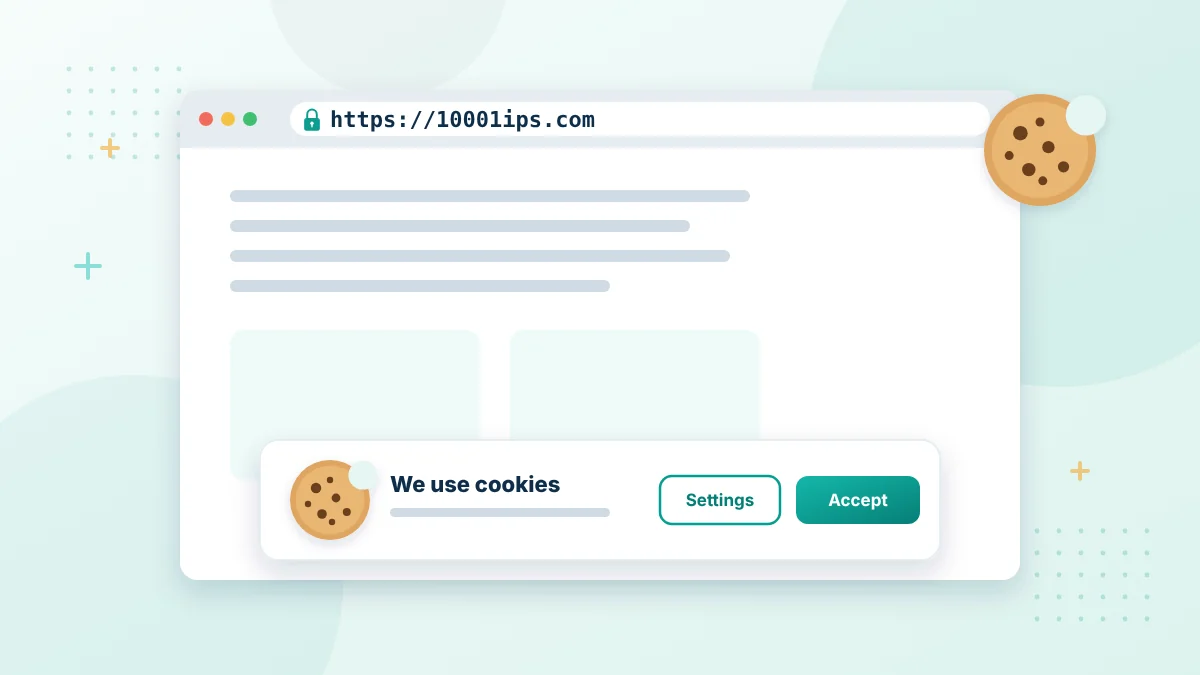
This Cookie Policy explains how this website may use cookies and similar technologies when you visit its pages. It also explains the choices available to you. Cookies can support basic website functions, remember preferences and help us understand how visitors use the website. Some cookies may be placed by us, while others may come from third-party services used on the website. This Cookie Policy should be read together with our Privacy Policy and Terms and Conditions.
Cookie Policy Summary
- Cookies are small text files stored by your browser.
- This website may use essential, preference, analytics and advertising cookies.
- Some cookies may come from third-party services used on the website.
- You can block or delete cookies in your browser at any time.
- Cookies from this website do not give us your router password or WiFi key.
What Are Cookies?
Cookies are small text files that a website may store on your computer, phone, tablet or other device. They usually contain a small amount of information connected with your browser or visit. Cookies do not normally give a website direct access to personal files, router settings or passwords stored on your device. However, some cookies may collect information about how you interact with a website. A cookie may remain only while your browser is open, or it may stay on your device for a longer period. Its duration depends on the type of cookie and the service that placed it.
Why We May Use Cookies
This website provides information about router login addresses, including 10.0.0.1, WiFi settings, admin access and common network problems. Cookies may be used to:
- Keep the website working correctly
- Remember selected preferences
- Understand which pages visitors find useful
- Measure website traffic and performance
- Detect errors or unusual activity
- Improve navigation and page loading
- Support advertising where it is enabled
- Remember cookie choices
We do not use cookies to access your router dashboard, recover your router password or change any settings on your network device.
Types of Cookies
The cookies used on the website may fall into the following categories. The exact cookies available can depend on the features and third-party services currently enabled.
| Cookie type | Main purpose |
| Essential cookies | Support basic website functions and security |
| Preference cookies | Remember choices made during a visit |
| Analytics cookies | Help measure traffic and page performance |
| Advertising cookies | Support advertising and measure ad activity |
| Third-party cookies | Come from external tools or embedded services |
Essential Cookies
Essential cookies help provide functions required for the website to operate. They may support security, traffic management, cookie preferences or other basic features.
Some essential cookies cannot be disabled through the website because certain pages or functions may not work correctly without them. You may still be able to block them through your browser, but this could affect the website.
Preference Cookies
Preference cookies remember choices you make. For example, they may store a language, display or cookie-consent preference. These cookies can make later visits more convenient. If they are blocked, you may need to select the same preference again.
Analytics Cookies
Analytics cookies may help us understand how visitors use the website. They can show information such as:
- Which pages receive visits
- How visitors move between pages
- How long pages take to load
- Which device or browser type is used
- Whether a page displays an error
- Which general source brought a visitor to the website
Analytics information is used to review and improve the website. Where required, non-essential analytics cookies should be activated only after the visitor has provided the necessary consent. If an external analytics provider is used, it may process information according to its own privacy and cookie policies.
Advertising Cookies
Advertising cookies may be used if advertisements are displayed on the website. They can help limit repeated advertisements, measure performance or make ads more relevant. Advertising providers may use cookies or similar technologies to collect information across different websites. Their use of information is controlled by their own policies.
The presence of an advertisement does not mean that we own, operate or guarantee the advertised service. Visitors should review the advertiser’s terms and privacy information before sharing personal details or making a purchase.
Third-Party Cookies
Some cookies may be placed by services that are not operated by this website. These may include analytics providers, advertising networks, security services, video players or other embedded tools. We do not directly control how a third party creates or manages its cookies. You should review the privacy and cookie policies of the relevant provider for more information.
Session and Persistent Cookies
Cookies may also be grouped according to how long they remain on your device.
Session cookies are temporary. They normally expire when you close your browser.
Persistent cookies remain for a set period or until you remove them. They may be used to remember preferences between visits.
The expiration period varies between cookies. Your browser settings may allow you to view the cookies stored on your device and see when they expire.
Cookie Consent
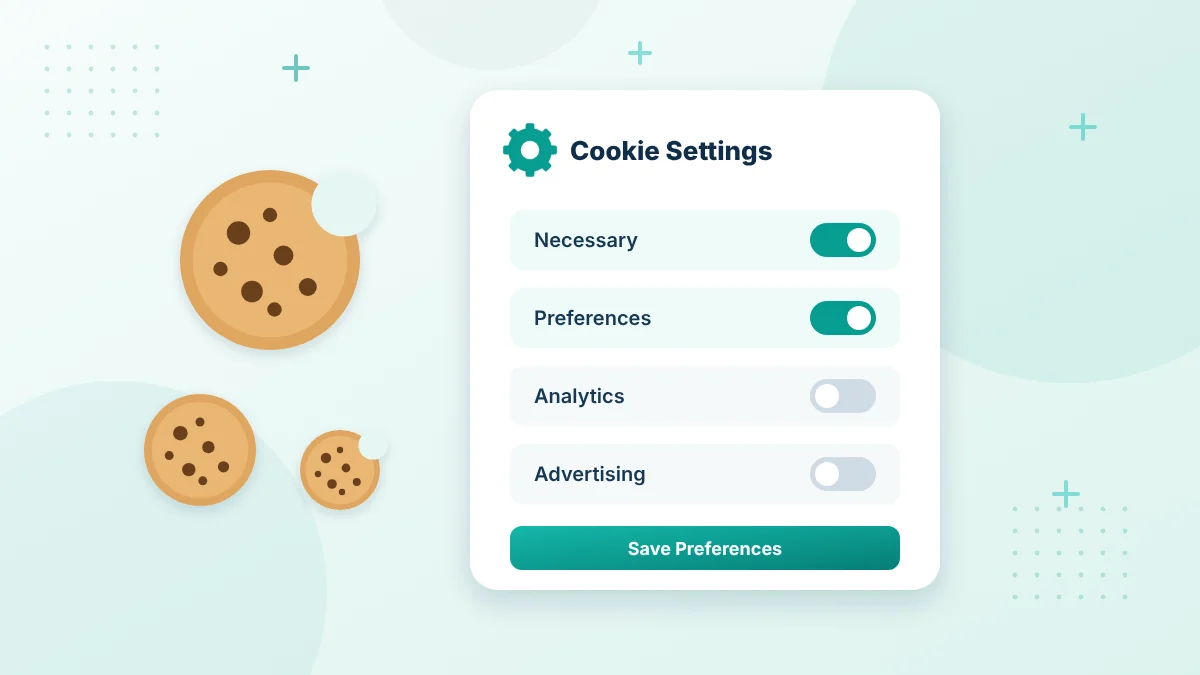
Where consent is required, the website may display a cookie banner or preference tool. You may be able to accept all optional cookies, reject them or select individual categories. Essential cookies may remain active because they support necessary website functions. Optional analytics and advertising cookies should be handled according to the consent rules that apply to the website and its visitors. You may change or withdraw your choice later through the available cookie settings. If no preference tool is available, you can manage cookies through your browser.
Your choices
Manage Cookies Your Way
Most browsers let you view, block or delete cookies at any time from their privacy settings.
- Block or delete cookies in your browser
- Use private browsing for fewer stored cookies
- Some cookies help the website work correctly
How to Manage Cookies in Your Browser
Most browsers allow you to view, block or delete cookies. These controls are usually available under Privacy, Security or Site Settings. You may be able to:
- View cookies stored by individual websites.
- Delete cookies already saved on your device.
- Block all cookies.
- Block only third-party cookies.
- Allow cookies for selected websites.
- Clear cookies when the browser closes.
The exact steps depend on your browser and version. Check the official support information for Chrome, Firefox, Edge, Safari or the browser you currently use. Blocking every cookie may affect login preferences, saved choices and other website features. It will not normally prevent you from entering 10.0.0.1 to reach a compatible router because that is a separate local address.
Similar Technologies
The website may use technologies that work in a way similar to cookies. Examples can include local storage, pixels, tags or scripts. These technologies may support performance measurement, preferences, security or advertising. References to cookies in this policy may also include similar technologies where appropriate.
Do Cookies Store Router Passwords?
Cookies from this website do not provide us with your router admin password, WiFi key or private network settings. The 10.0.0.1 admin page is normally supplied by your local router rather than this public information website. Any login information entered into that local page is handled separately by the router or its related service. Never submit router credentials through a public comment, ordinary contact form or unfamiliar third-party website.
Updates to This Cookie Policy
We may update this Cookie Policy when website features, cookie practices or legal requirements change. The revised version will appear on this page with an updated date. Visitors should check this page occasionally if they want to stay informed about how cookies may be used.
Contact Us
If you have questions about this Cookie Policy, please use our Contact Us page. When contacting us, do not include passwords, WiFi keys, router credentials or other sensitive network information.
How to Manage Cookies in Popular Browsers
Google Chrome
Open Settings > Privacy and security. From there you can manage third-party cookies, see the data stored by each site and delete browsing data. Google also explains these options on its Chrome cookie settings help page.
Mozilla Firefox
Open Settings > Privacy & Security. Under Enhanced Tracking Protection you can choose how cookies are handled, and under Cookies and Site Data you can clear stored data or manage exceptions.
Microsoft Edge
Open Settings > Cookies and site permissions > Manage and delete cookies and site data. You can block third-party cookies or view all stored cookies.
Safari on Mac
Open Safari > Settings > Privacy. You can block all cookies or select Manage Website Data to remove cookies for individual websites.
iPhone and iPad
Open the Safari settings in the Settings app. Turn on Block All Cookies, or open Advanced > Website Data to remove stored data for each website.
Chrome on Android
Tap the three-dot menu > Settings > Site settings to choose your cookie setting. To clear stored cookies, open Settings > Privacy and security > Delete browsing data.
Browser menus change from time to time. If a setting has moved, search your browser’s help pages for cookies.
Cookies and the 10.0.0.1 Admin Page
Your router’s admin page is a separate local website. When you sign in at 10.0.0.1, the router may store its own cookie in your browser to keep you logged in. That cookie belongs to your router, not to 10001ips.com, and it is not shared with us.
If the router login page keeps reloading or logging you out, check whether your browser blocks all cookies. Allowing cookies for the router address usually fixes the problem.
Private Browsing and Cookies
Private or incognito windows delete cookies when you close the window. This is a simple way to visit websites without keeping cookies on a shared computer.
Cookie Policy FAQs
Do I have to accept cookies to use this website?
No. You can block optional cookies and still read our router guides. Essential cookies may be needed for some basic functions, and blocking them could affect how certain features work.
Will blocking cookies stop the 10.0.0.1 login page from working?
Blocking cookies on this website does not affect your router. However, some router admin pages use their own cookies to keep you signed in, so blocking all cookies may cause the router login page to log you out or reload.
How long do cookies stay on my device?
Session cookies are deleted when you close the browser. Persistent cookies stay until they expire or until you delete them.
Where can I learn more about how information is used?
Read our Privacy Policy, which explains what information may be collected and the choices available to you.
Can I change my cookie choice later?
Yes. Use any cookie settings tool shown on the website or delete cookies in your browser and choose again on your next visit.
Do cookies contain viruses?
No. Cookies are plain text files and cannot run programs on your device. They can still store information, which is why browsers let you control them.
Related Pages to This Cookie Policy
Read these pages together with our cookie policy.
Useful references: Google Chrome cookie settings and Firefox cookie settings.
Want to know more?
Read our Privacy Policy for details about how information is handled.